PRODUCT
Layouts.
Everything UI.
From a complete composition to a single component.
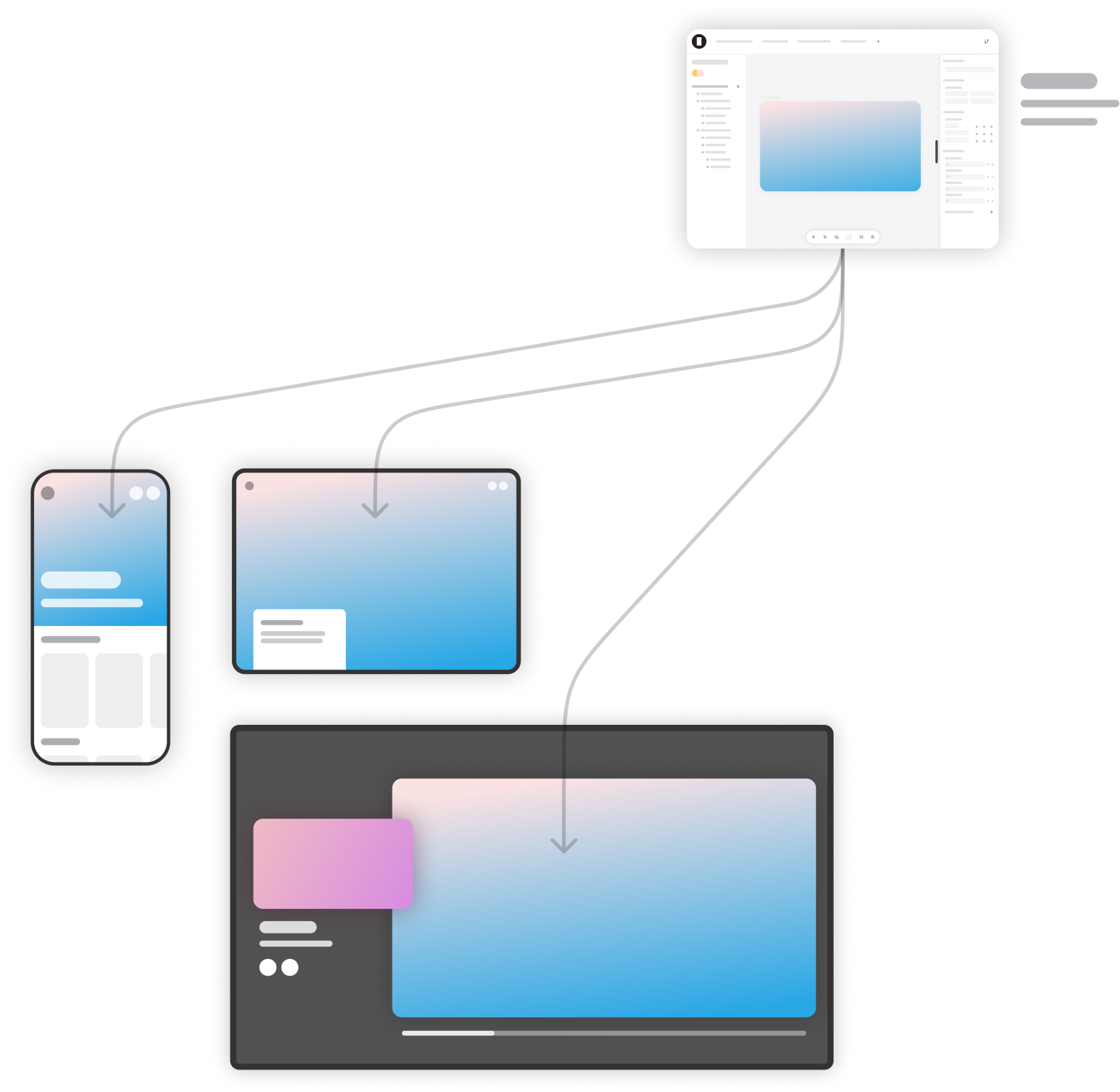
Layouts are reusable UI elements that you define, compose, and refine to match your design system. They can be nested, allowing you to build sophisticated interfaces from smaller pieces.
Fragments: the building blocks
Layouts are constructed from Fragments — low-level elements that give you complete control.
Group
Text
Image
Media
Vector Graphic
Input
List
Web View
TV focus
Slot
Context
Layout Instance
By combining Fragments, you create your own primitives and abstractions. Some may be simple, while others can be highly sophisticated.
Fragment properties
Each Fragment has properties that define how it looks, behaves, and reacts. The available property sets depend on the Fragment type.
Define size and stretch behaviors.
Width
Height
Min width
Min height
Max width
Max height
Aspect ratio
Align self
Grow / Shrink
Control how a Fragment group's content is positioned.
Direction
Alignment
Wrapping
Gaps
Visibility
Manage margins and padding. Unified, per axis or per side.
Control absolute, fixed or relative positioning.
Top
Right
Bottom
Left
Z-index
Styling options for colors, borders, and background.
Background
Corner radius
Stroke
Overflow
Scroll snapping
Shadow
Perspective
Opacity
Everything font related. Applies to Text Fragments.
Size
Font face
Variant
Letter spacing
Line height
Color
Truncation
Alignment
Text balance
Decoration
White space
Apply visual effects like blending, blur and transforms.
Blend mode
Blur
Background blur
Transforms
Define accessibility roles, attributes and element type.
Tag type
Role
ARIA attributes
Motion & Animation.
Animation in Doors is built directly into Logic, making it flexible and consistent across all Fragments.
Any property that responds to a value can also respond to Motion. By placing a Motion node in a Logic, designers can turn hard transitions into smooth animations — whether that’s a simple fade, a spring-based transform, or a timed easing curve.
Motion can be timing-based (duration + easing) or physics-based (spring animations with mass, stiffness, and damping). Properties can also be given “before appear” and “after disappear” states, making it simple to handle fade-ins, fade-outs, or more complex entrance/exit effects.
Special Motion nodes allow interpolation of colors or values — great for scroll-driven effects or mapping variables onto a visual range. For looping or chained effects, Motion sequences let you define arrays of animations that run one after another.
Inputs, Variables & Events
Layouts become dynamic through Inputs, Variables, and Events.
→
Inputs let you configure how a layout behaves when used as an instance. For example, a “Card” layout might accept a title, description, and image as inputs.
→
Variables store values that can be used via Logic across Fragments, Workflows, and Events.
→
Variable scope can be: Per session, Per device (stored between sessions), Shared across a user’s devices, or Global (shared across all users)
You can create custom Events on a Layout that trigger when a layout is used inside another layout as an instance. This way you can bubble up interactions etc.
Together, these features make layouts interactive and stateful — not just static arrangements.
Repeaters.
Repeaters.
Repeaters.
Repeaters.
Repeaters.
Any Fragment can be repeated based on data via Logic.
1.
Take an array of data (from the Data store, an API response, or some other Logic).
2.
Spawn Fragments, e.g Layout instances for each item.
3.
Pass data into the repeated Fragment’s properties or inputs.
Example: You have a List Layout containing a Card Layout as an instance. The repeater pulls an array of shows from your data store. Each card receives its own title, description, and image from the array, automatically building a content grid.
Repeaters make layouts scale from simple elements to fully dynamic feeds.
During NAB 2025 we demonstrated how swiftly you can create with Doors.
Two colleagues designed and built a fully functional streaming platform. From scratch. For TV, mobile, tablet and web.
Live. In front of everyone. In just four days.