PRODUCT
Timelines.
Who should see what, when.
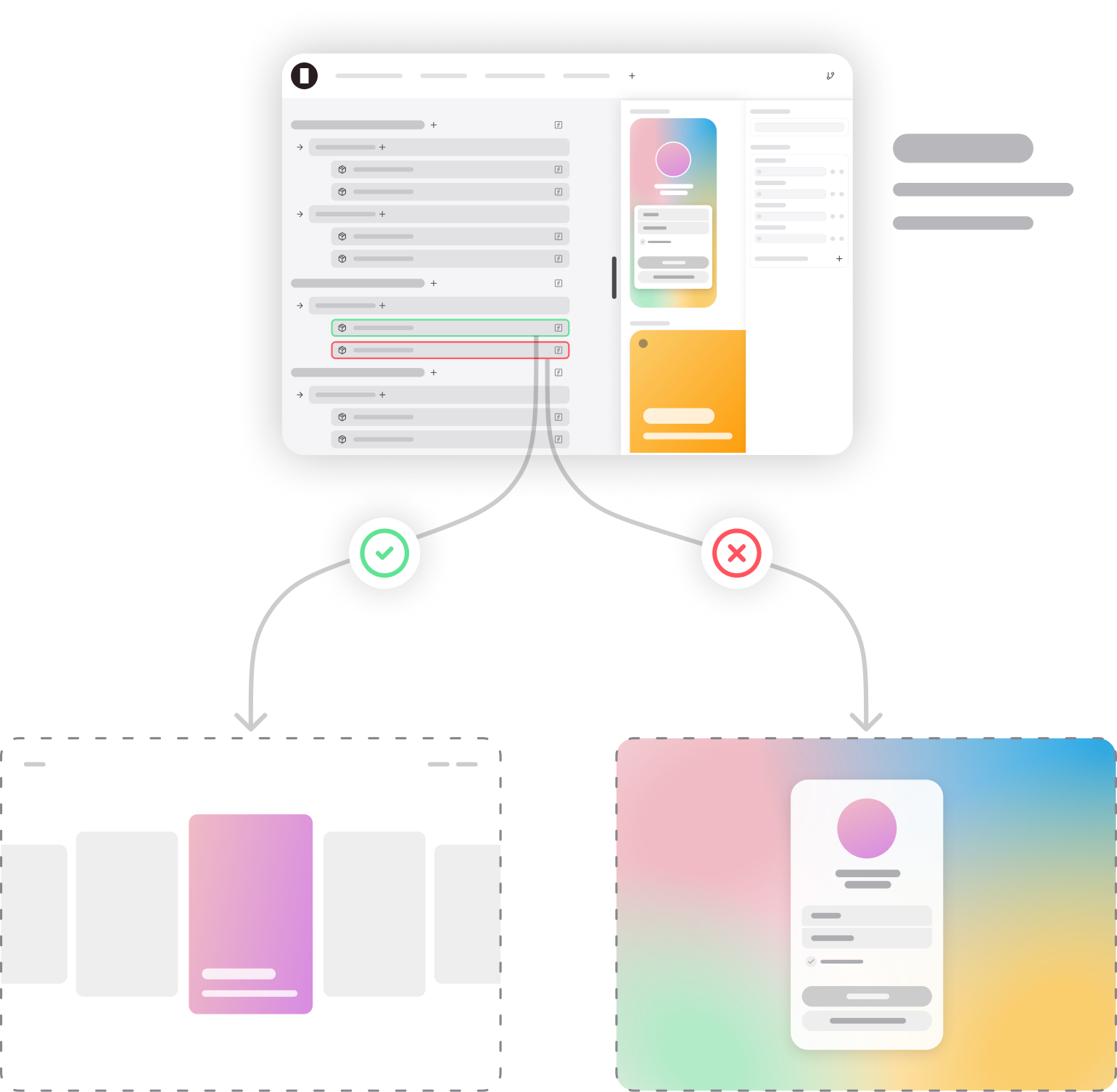
Timelines in Doors control availability and routing. They decide when a Layout, Workflow, or piece of content should appear — and for whom.
Unlike traditional publishing tools, Timelines are not limited to “go live at 8pm.” They are flexible structures that can operate on absolute time, relative user time, or system events, making them a central part of how experiences are orchestrated.
Absolute & relative time.
→
Absolute time: schedule content to start or stop at specific dates and times (e.g. publish a show at 20:00 CET).
→
Relative time: define availability relative to user events (e.g. show onboarding screens for the first 24 hours after signup).
This makes Timelines equally useful for broadcasters managing live programming and for personalized user journeys.
Routing & availability.
Timelines also control routing. They determine which Layout or experience should be active at a given path, and when.
→
Show a “Coming Soon” Layout until a show is live.
→
Show different Layouts based on region or entitlement.
→
Make premium content visible only during an active subscription period.
Nested Timelines.
Timelines can exist as instances inside other Timelines.
→
This allows downstream teams to build specific schedules without needing permission to modify higher-level timelines.
→
It also makes it easy to reuse the same timeline structure across different parts of the routing graph.
Nested timelines add flexibility and governance: local control for teams, global consistency for the organization.
Inputs over time.
Timelines don’t just swap whole layouts — they control inputs to layouts.
Each input gets its own “slot” in the Timeline, allowing values to change over time or vary across users. Combined with Logic, this makes it possible to e.g:
→
Swap artwork dynamically as availability changes.
→
Show personalized text or CTAs to different audience segments.
→
Adjust metadata or styling at precise times during playback.
Timelines make layouts truly dynamic, not static screens.
Time is just one dimension.
Timelines are not limited to time. Create any condition that results in true or false to control content and data.
→
Audience segment (e.g. subscribers vs. free users).
→
Device type (e.g. different layouts for TV vs. mobile).
→
Geography (e.g. make content available only in certain regions).
→
...
This gives you fine-grained control over who sees what, when, and where.